
Reduce and update components
Keep only trusted, used WordPress components. Review updates, take backups and test significant changes before applying them to the live site.
Protect accounts and permissions
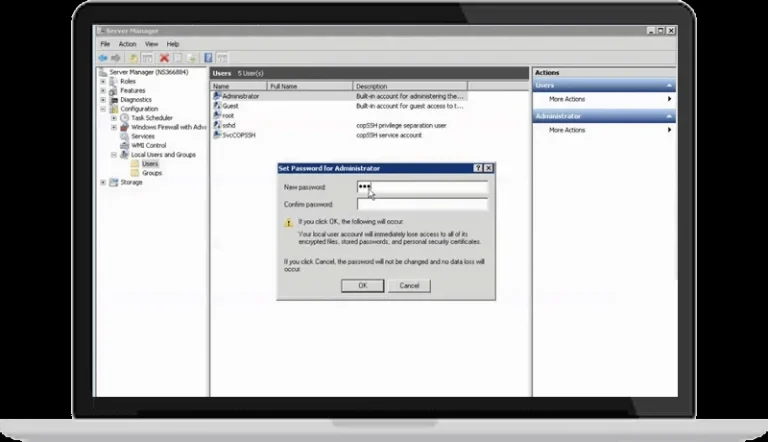
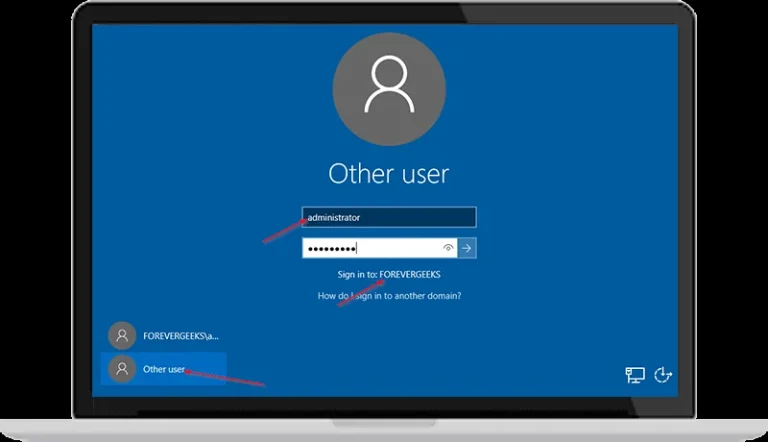
Use individual accounts, appropriate roles and unique passwords. Enable two-factor authentication where available and review inactive or unnecessary accounts.
Prepare backups and incident response
Keep files and databases in suitable independent storage and test restoration. If compromise is suspected, preserve logs and evidence and work with support to identify the cause.
Monitor beyond a single plugin
Review login failures, unexpected changes and access controls. SSL and security plugins help, but do not replace updates, permissions or backups.
For help related to this guide, explore WordPress technical support
Reference: WordPress documentation